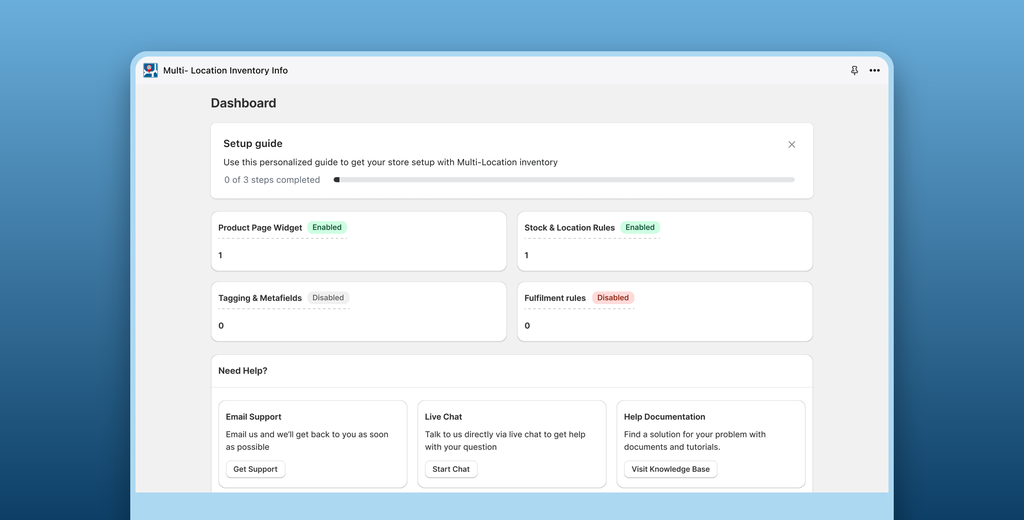
Redesigned a Shopify app that sells the whole look: a dashboard that shows how looks perform, a look builder that reads in the order merchants think, nine layouts and a placement and style they can set on one page.
Challenge
Shop the Look lets a merchant build "looks": a main product, with a choice of its image, plus related products or a collection, shown together on the product page so shoppers can buy the whole look. Merchants choose one of nine layouts, where it is placed and how it is styled, and a look saves as a draft or goes live. The app did all of that, but its screens made merchants work for it:
A tab bar across the top of the app stood in for Shopify's own navigation
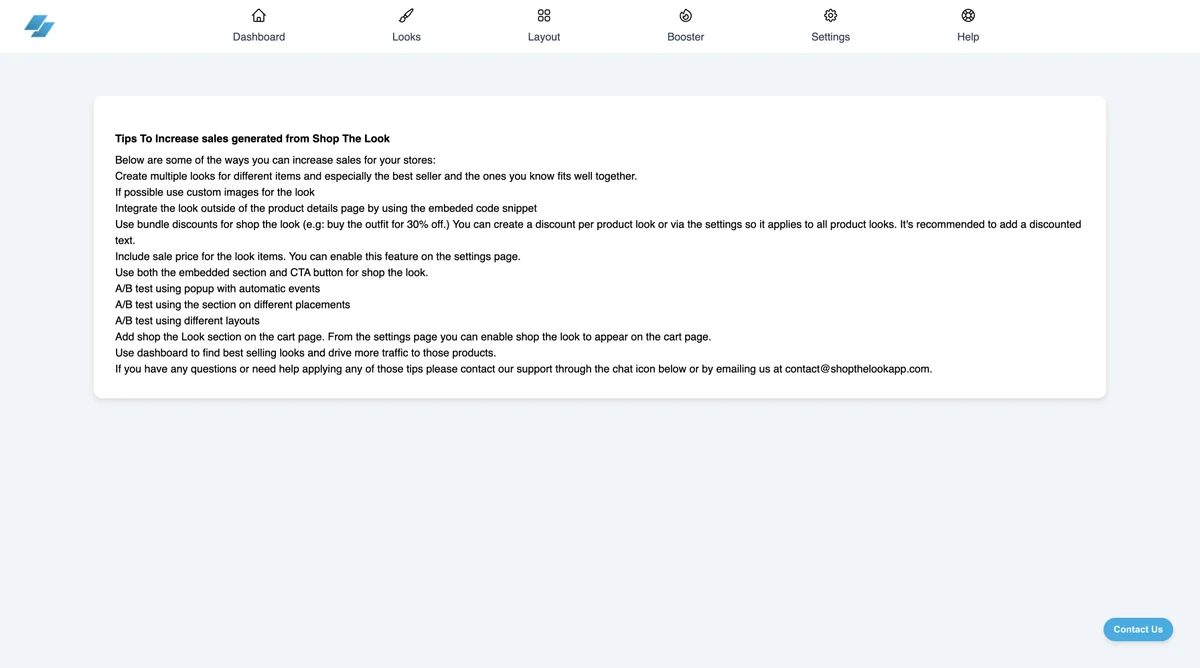
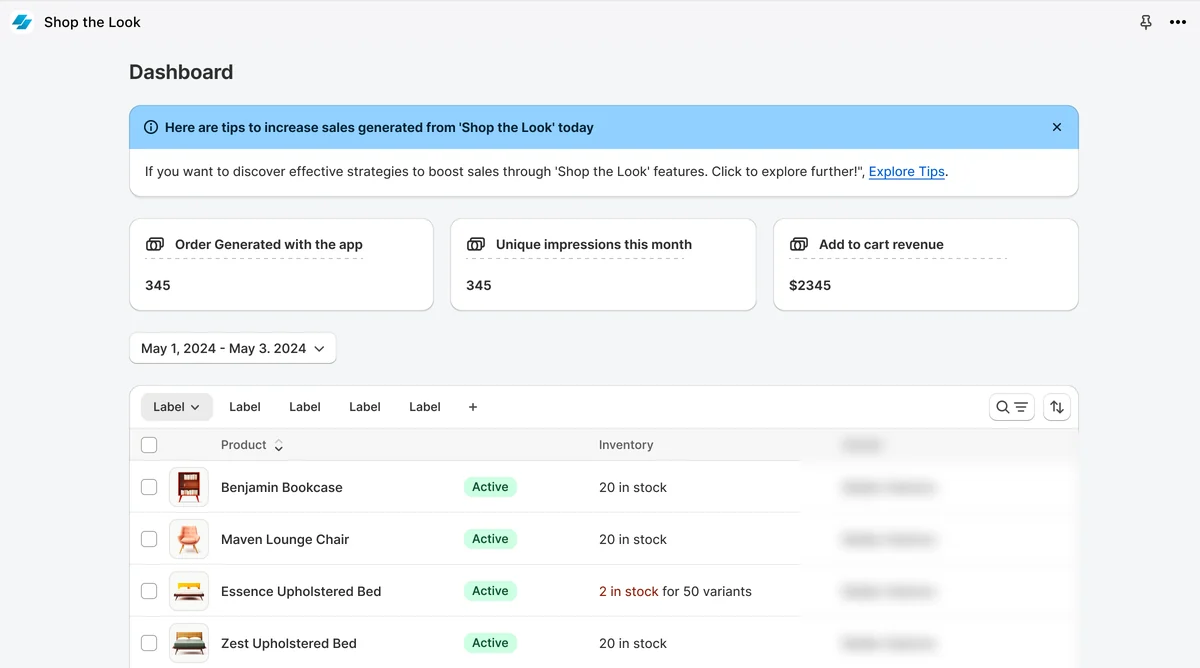
The dashboard showed three numbers above a wall of tips written as plain text
Layout, placement and style were split across three tabs, so a change was never seen next to the rest
Settings was one long form of toggles and fields
The team needed a redesign that makes the app feel native to Shopify and lets a merchant go from a product to a live look in a few steps.
Phase 1: Audit
Audit: Documented every screen of the existing app: dashboard, looks, layout with its placement and style tabs, and settings
Navigation: Compared the app's own tab bar with Shopify's navigation, which the redesign uses instead
Phase 2: Directions
Look builder: Explored how a look is made, one decision at a time: the main product, its image, the related products and their order, and the status
Phase 3: Design
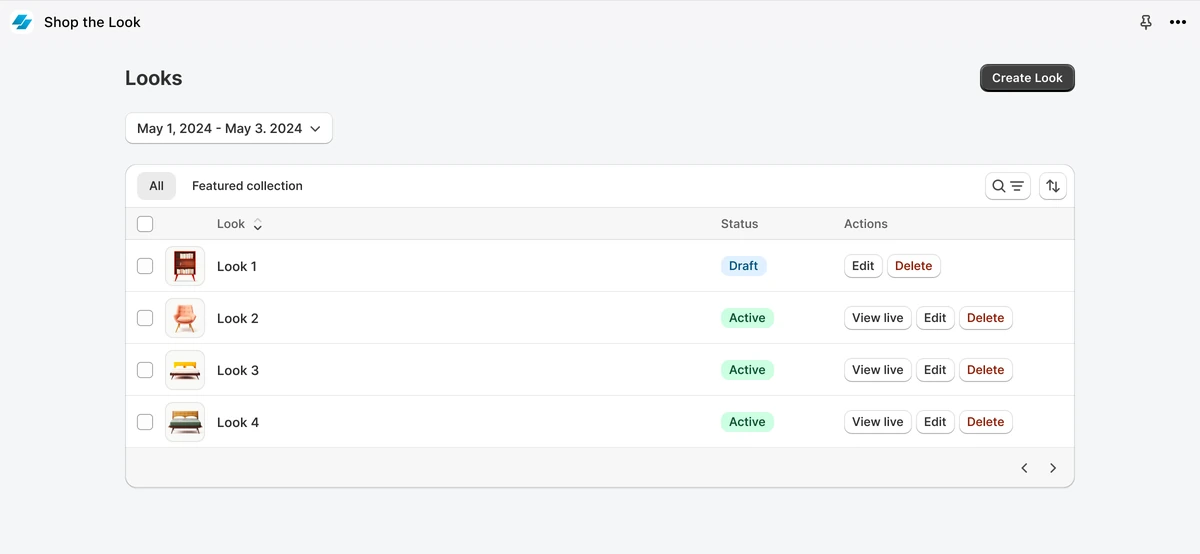
Design: Designed a dashboard with its numbers first, a Looks list with draft and live looks, a look builder in Polaris sections, a layout page with all nine styles, placement and style on one screen, and settings in sections.
States: Designed the empty states for the dashboard and the looks list, and the Save as Draft and Save as Live states of a look.
Layouts & style
Style it your way
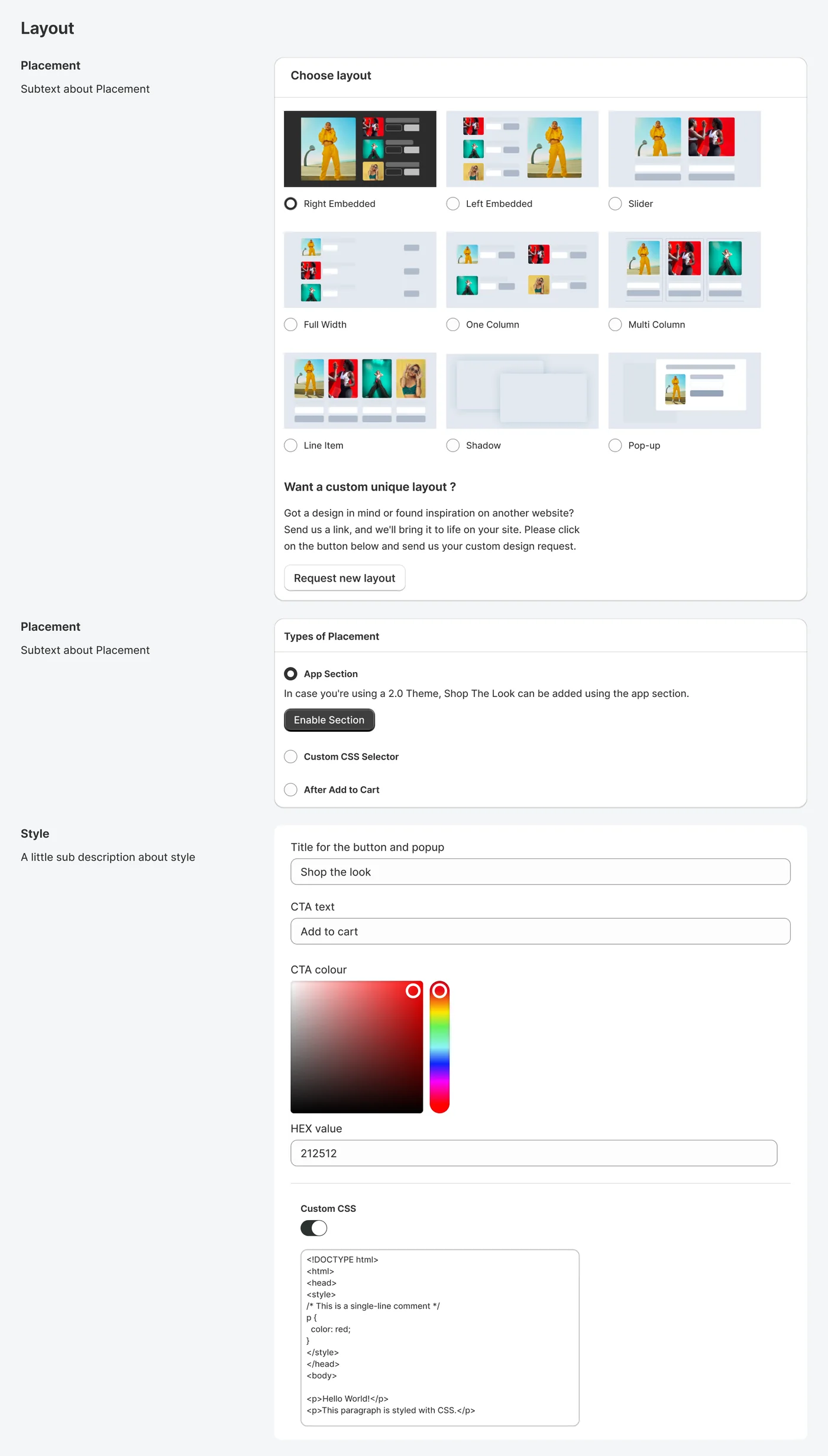
Pick one of nine layouts, choose where the look sits and set the CTA colour. The product page follows every change.
Step 1 of 3
Illustration
Your store
Bali pants
SML
Add to cartShop the look
Shop the look‹›×
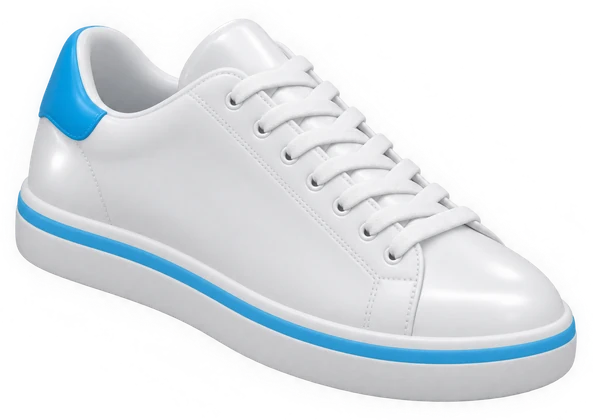
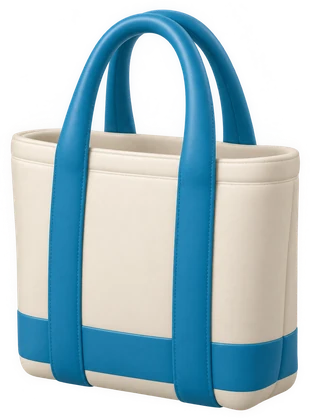
Linen jacketAdd to cartCourt sneakerAdd to cartCanvas toteAdd to cartRound shadesAdd to cart
#0482AC
1Choose layout: Right EmbeddedThe look sits right beside the product.
1Choose layout: SliderCards slide sideways under the product.
1Choose layout: Full WidthA full-width list under the product.
1Choose layout: Multi ColumnCards in columns, side by side.
1Choose layout: Pop-upA button on the product opens the look as a pop-up.
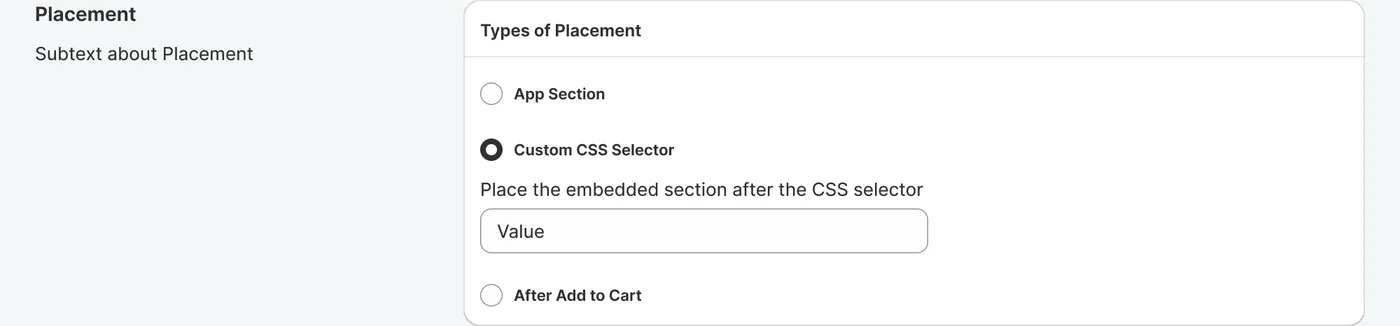
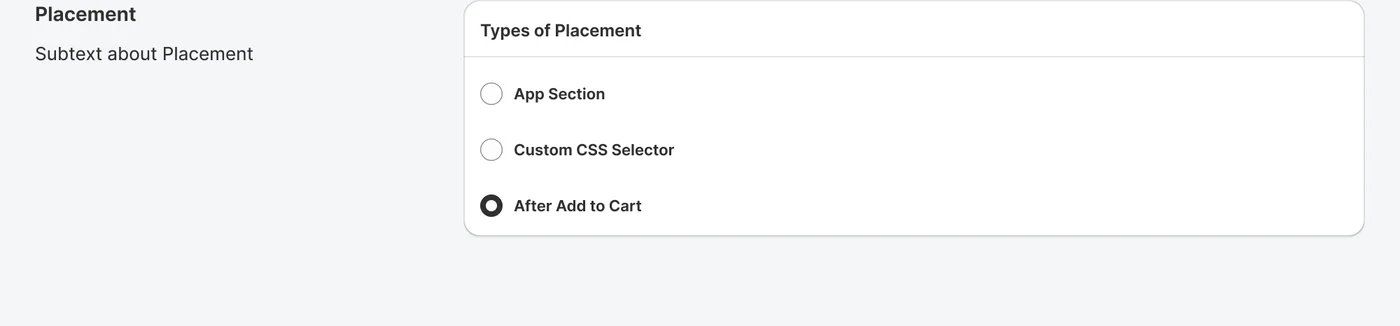
2Types of Placement: App SectionAdd the look as an app section in a 2.0 theme.
2Types of Placement: Custom CSS SelectorPlace the embedded section after any CSS selector.
2Types of Placement: After Add to CartShow the look right after the shopper adds to cart.
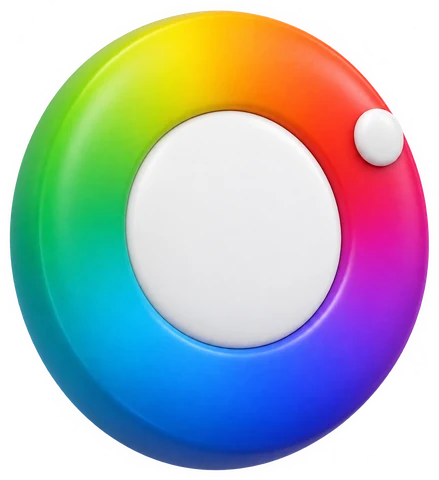
3StyleTurn the wheel. Every button in the look takes the colour.
1
Choose layoutNine layouts, picked with one click. Watch the product page re-flow with each.
2
Types of PlacementApp section, a custom CSS selector or right after Add to Cart.
3
StyleThe button and pop-up title, the CTA text and its colour. The look repaints as you pick.


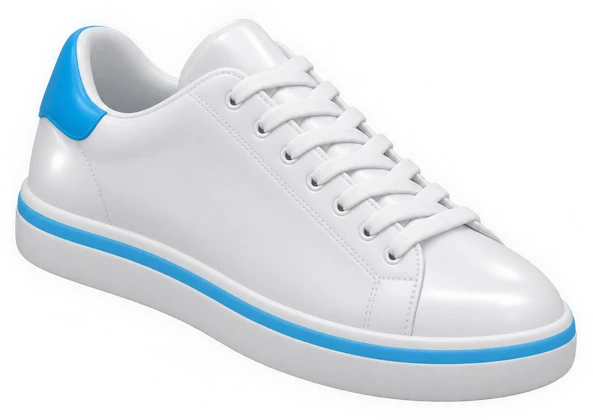
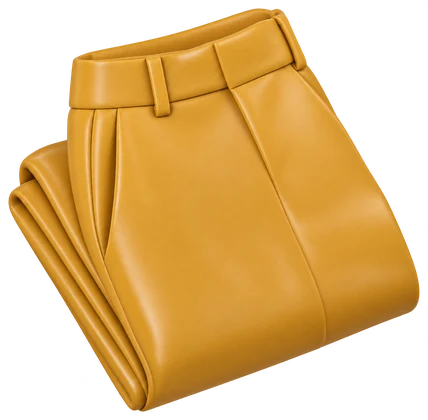
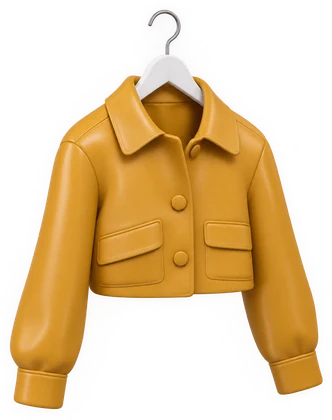 Linen jacket
Add to cart
Linen jacket
Add to cart
 Shop the Look

 Multi Location