 Sweet Spot
Redesigned a post-purchase upsell app for Shopify: a setup guide, offers merchants can scan at a glance, and an offer builder that reads in the order merchants think: what, where, when and how much.





Challenge
Sweet Spot shows shoppers an extra offer right after they buy, on the post-purchase page or on the thank-you page, with a discount on the products the merchant picks. The offers worked, but the app made merchants find their own way to the first one:
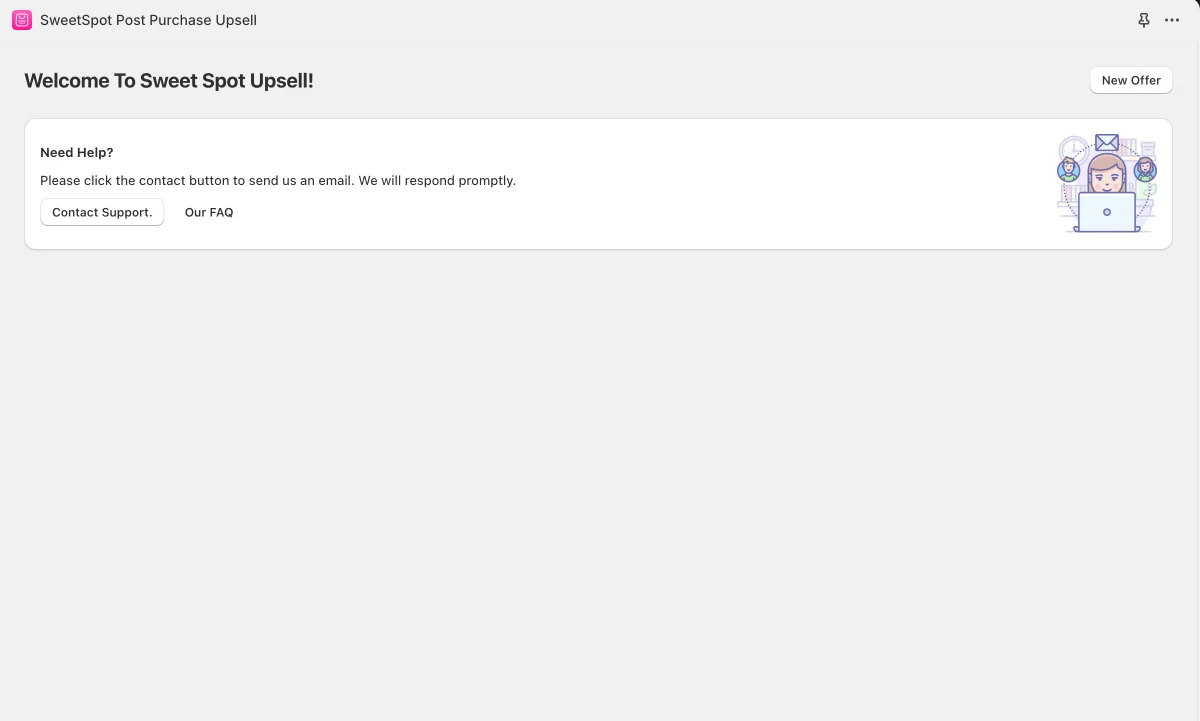
- Installing it opened a welcome page with a help box and nothing else to do
- The Offers page led with a yellow "App is currently disabled" warning above an empty list
- A new offer was one long form, with the offer text written in an HTML editor
- Settings was a single column of checkboxes, most of them marked "available only on thank you page offers"
The team needed a redesign that takes a merchant from install to a live offer in a few steps and makes every offer easy to read and change.
Phase 1: Audit
Audit: Documented every screen of the existing app: welcome, dashboard, offers, the new-offer form and settings
User flows: Mapped how merchants enable the app embed, create an offer and choose where it shows
Phase 2: Structure
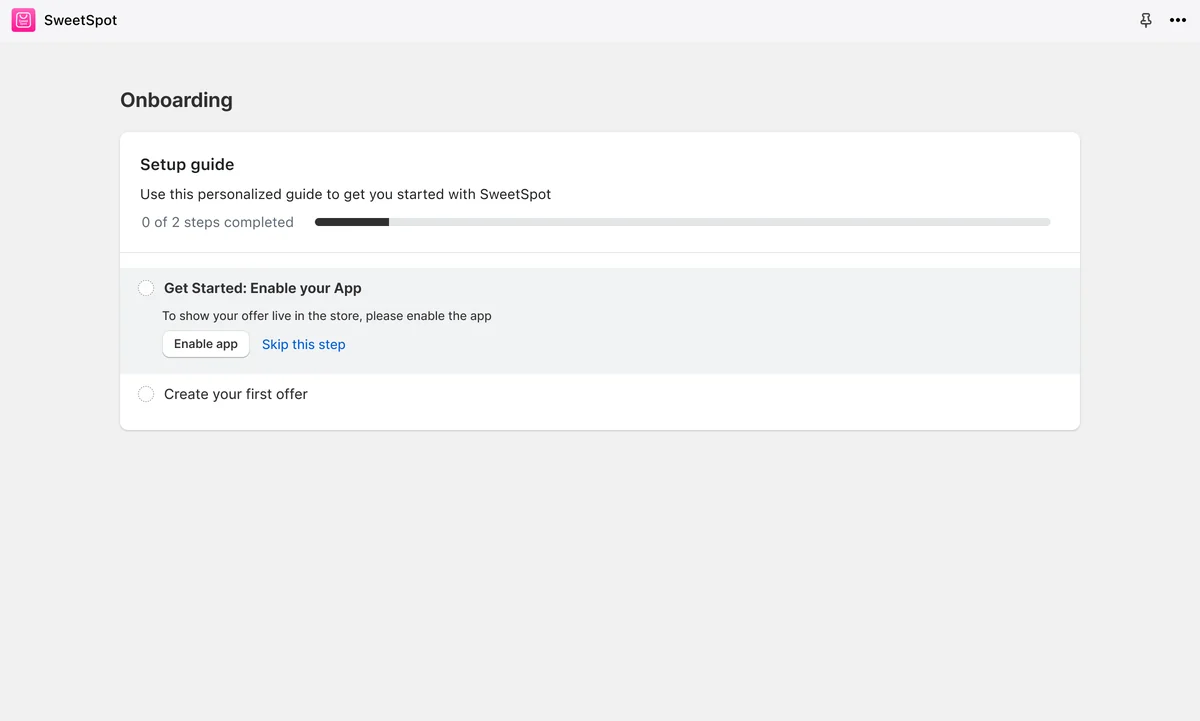
Setup in 1-2-3: Reduced the offer to three decisions, choose products, set up triggers and create discounts, and built the setup guide and the offer form around them
Phase 3: Design
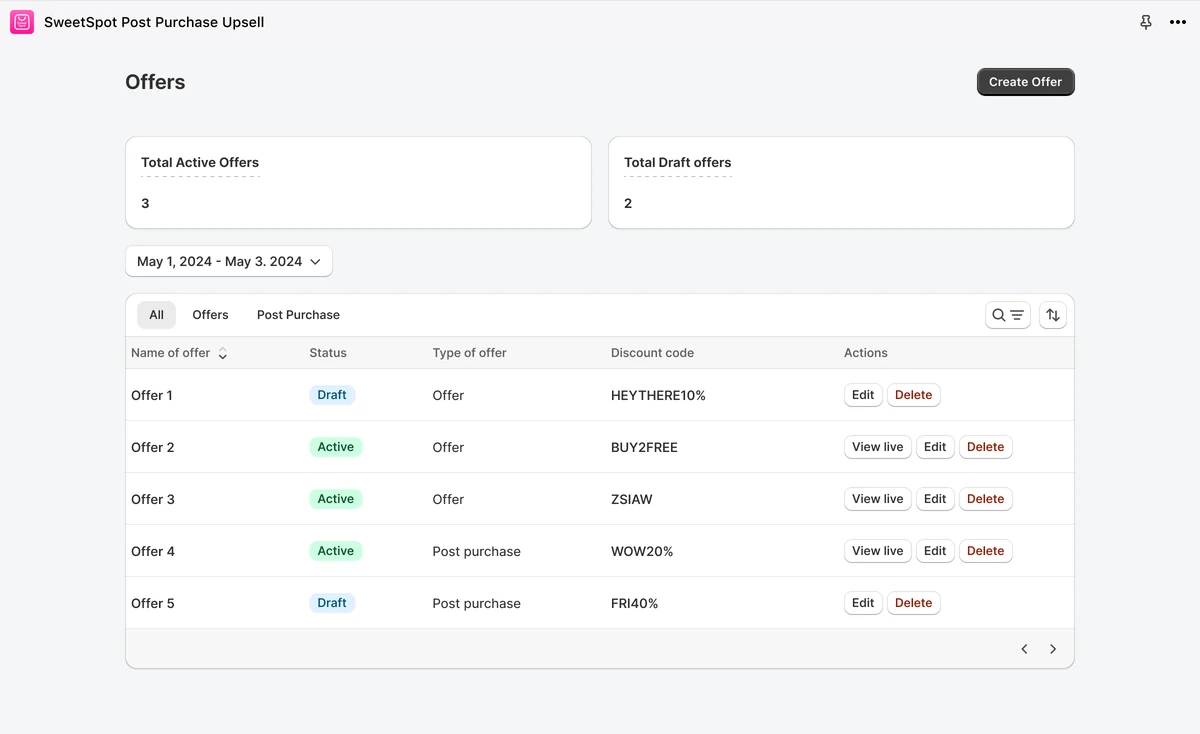
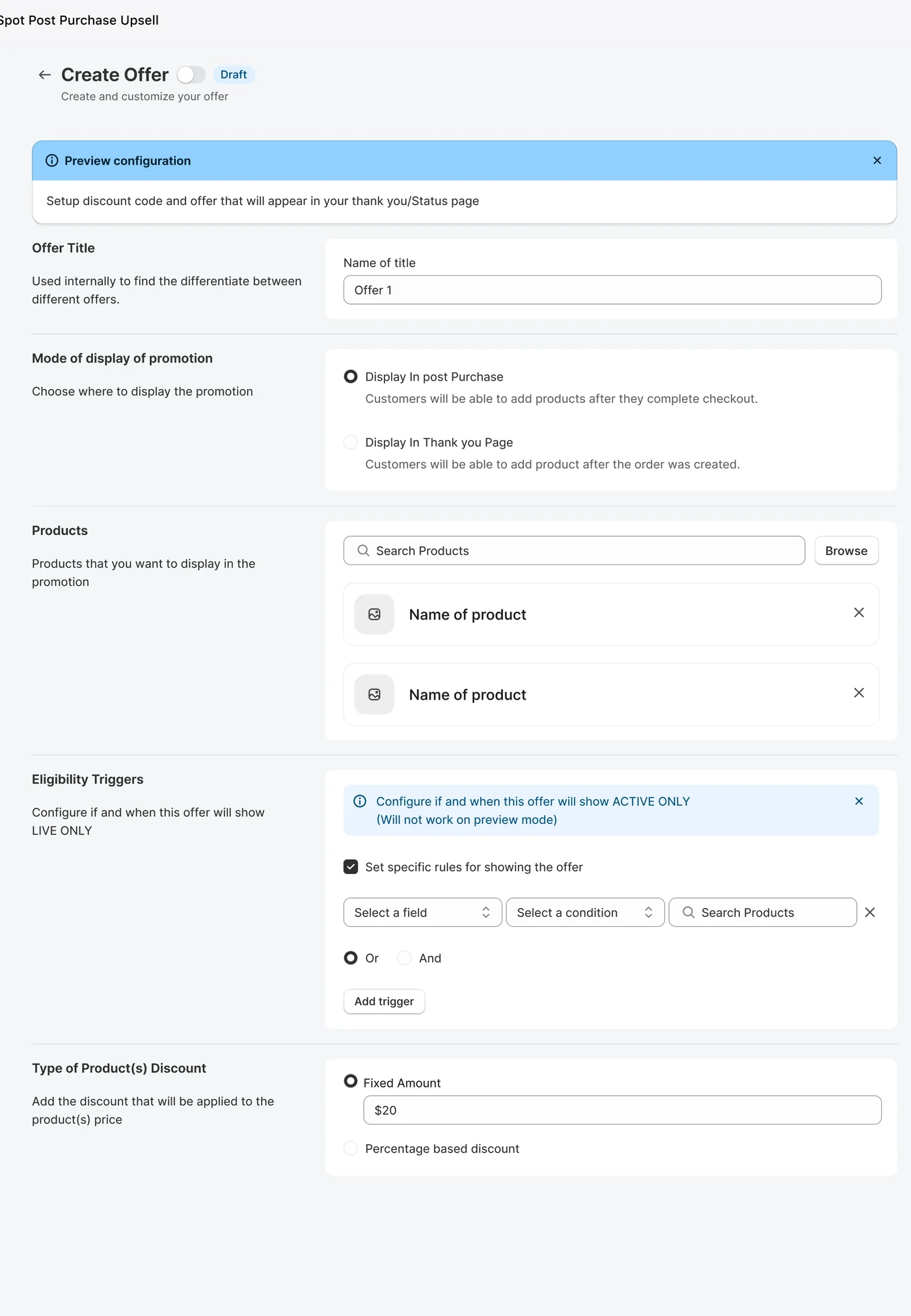
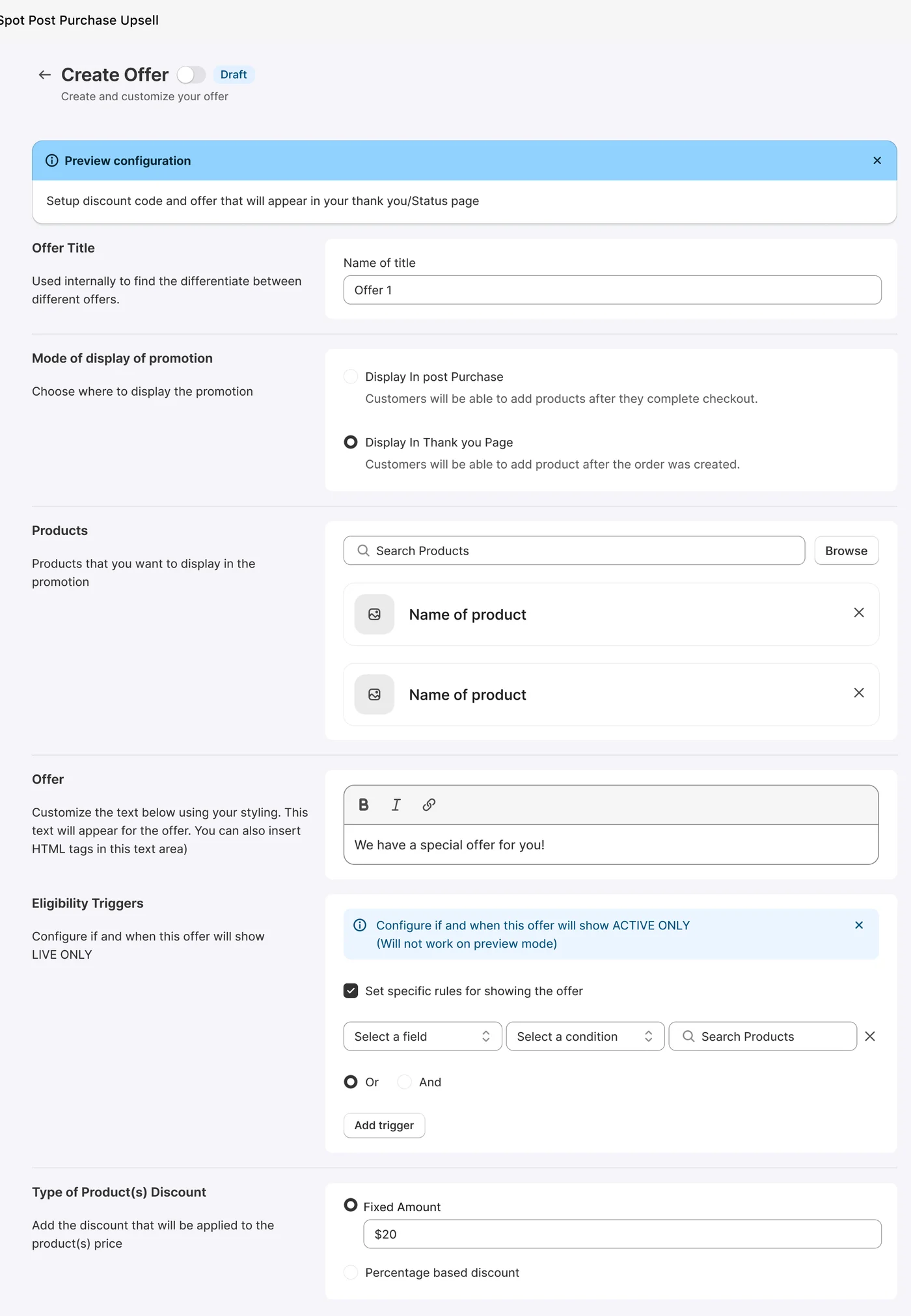
Design: Designed a two-step setup guide, a dashboard with the revenue and clicks the app generates, an Offers table with active and draft counts, and an offer builder in Polaris sections: title, where to display it, products, eligibility triggers and the discount.
States: Designed every empty, disabled and draft state, so a new store always sees its next step.
The shopper's side
The thank-you moment
An illustration of a thank-you page, built beside the real Create Offer screen: the offer takes shape as each section is filled in.

-
1
Offer TitleUsed internally to find the differentiate between different offers.
-
2
Mode of display of promotionCustomers will be able to add products after they complete checkout.
-
3
Mode of display of promotionCustomers will be able to add product after the order was created.
-
4
ProductsProducts that you want to display in the promotion
-
5
Eligibility TriggersConfigure if and when this offer will show LIVE ONLY
-
6
Type of Product(s) DiscountAdd the discount that will be applied to the product(s) price
Before and after
Let's go sell more!
 Sweet Help