 PalSync
Reimagining a finance-syncing experience — from an idea to the last Shopify illustration, we gave PalSync the foundation of what a good product should be and a clean, confident visual identity users could trust instantly.




Challenge
PalSync is a financial synchronization tool that allows merchants to integrate payment flows seamlessly into their Shopify stores. The tool was the address the payment synchronization in the shopify space which was a difficult challenge but what we did was:
- A functionality and simple product experience
- A unique visual identity that distinguished it from competitors
- Shopify-native UI styling
- On-brand illustrations for both the app and store listing
- A clear logo that communicated credibility and finance-first reliability
The team needed a full visual refresh that could scale across the app, app store listing, and brand assets — all under tight time constraints.
Phase 1: Understanding the problem
Competitor Analysis: Studied competitor Shopify apps enable such a service
Audit: Identified gaps and opportunities in the designs
Visual direction: Created moodboards and style directions for visual alignment
Phase 2: Creating a IA structure and user flows
Documentation: Documented the products and user flows to identify gaps and find opportunities of improvement in the product.
Phase 3: Low-fi
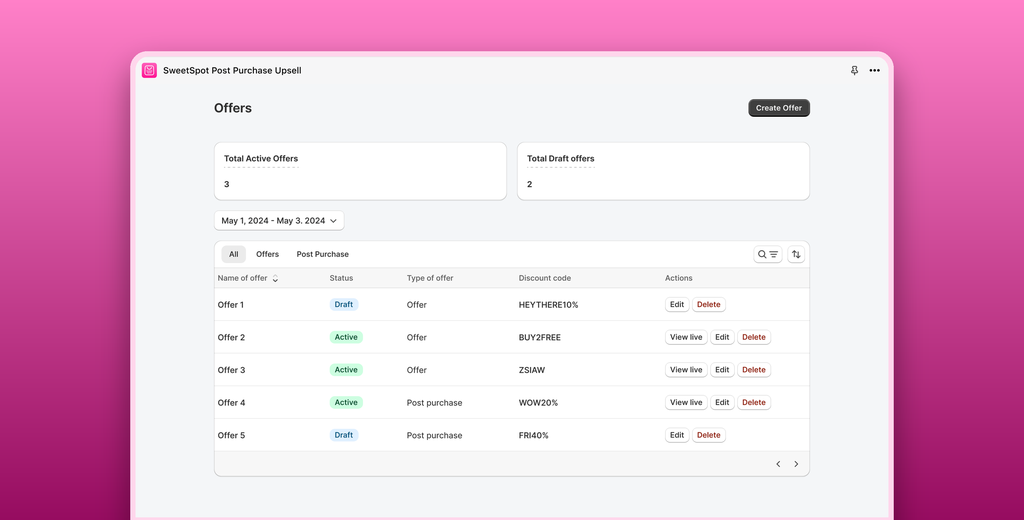
Design: Designed all the flows in Polaris, different use cases and error states. Ensured all visuals had a light, clean and clear visual language that resonates with Shopify merchants in recognising functionality and leveraging the features for maximum effectiveness. Designed component-based design specs for faster dev handoff.
Support guidelines: Created support and documentation guidelines.
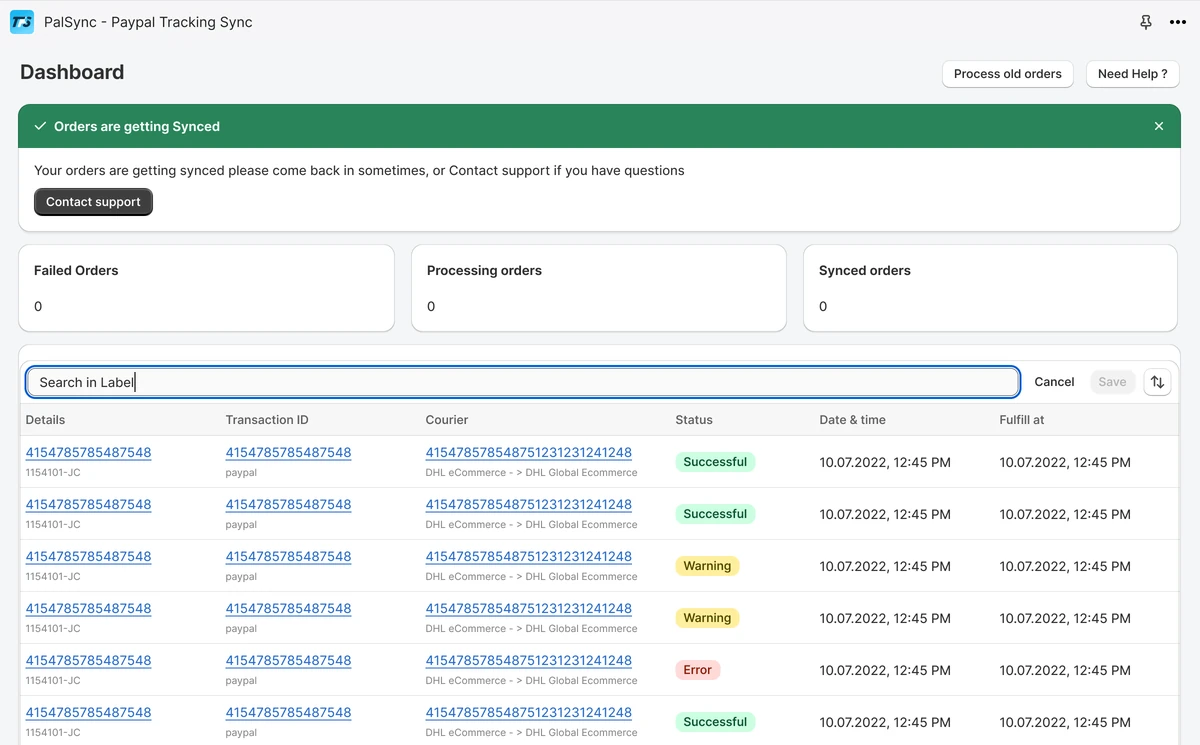
Orders syncing to PayPal
As the orders sync, the dashboard banner moves from “PayPal not connected.” to “Sync Historical Orders” and then to “Orders are getting Synced”. Failed orders stay at 0, the processing count drains from 273 to 0, and the synced count climbs to 294.
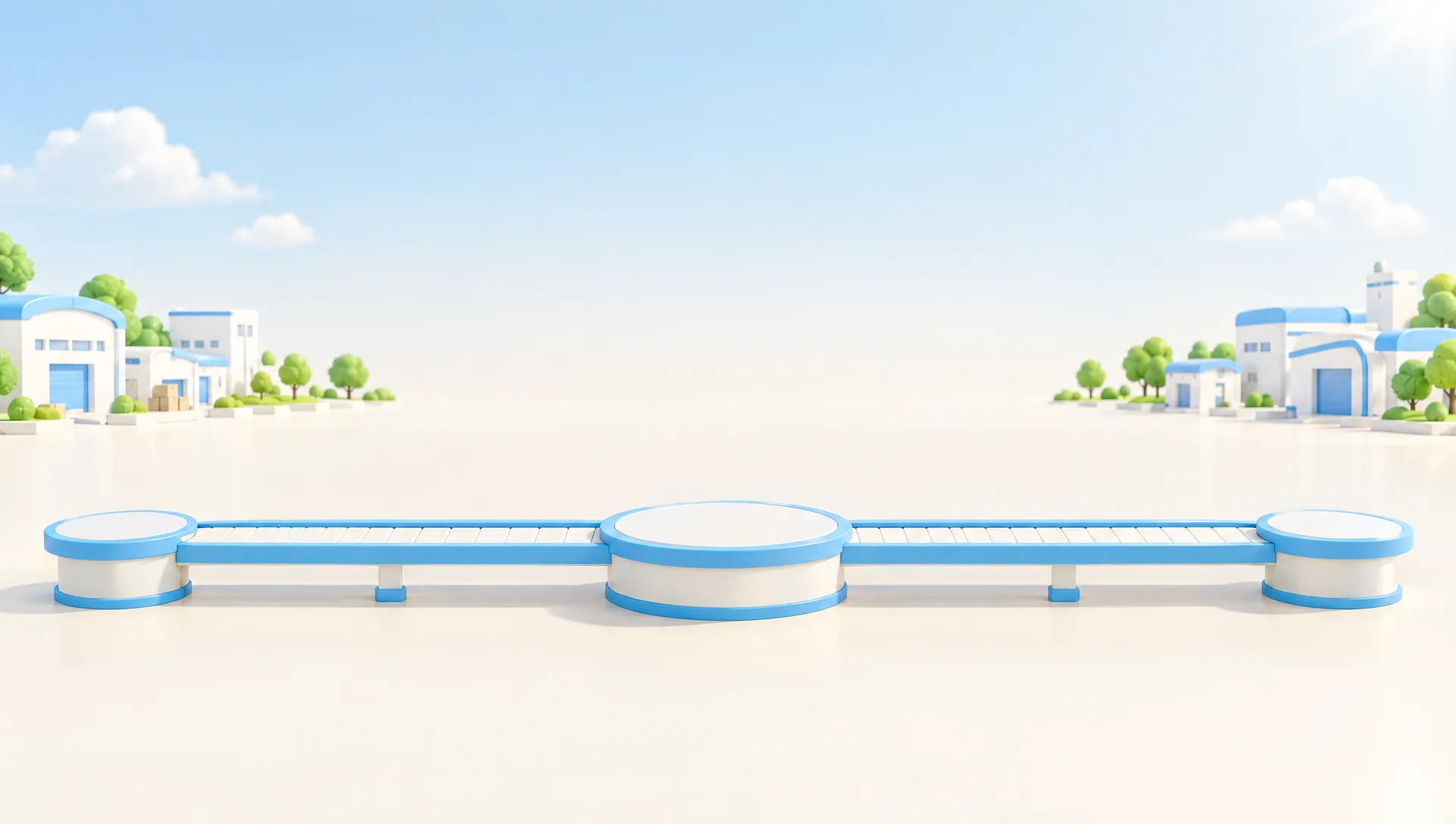

App illustrations
Drawn for the app's onboarding and empty states.

-
Onboarding
-

Dashboard, no orders yet
-
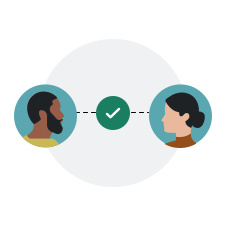
Disputes, none open
The icon
Five explorations to the final mark.
-

Exploration 1
-

Exploration 2
-

Exploration 3
-

Exploration 4
-

Exploration 5
-

Final
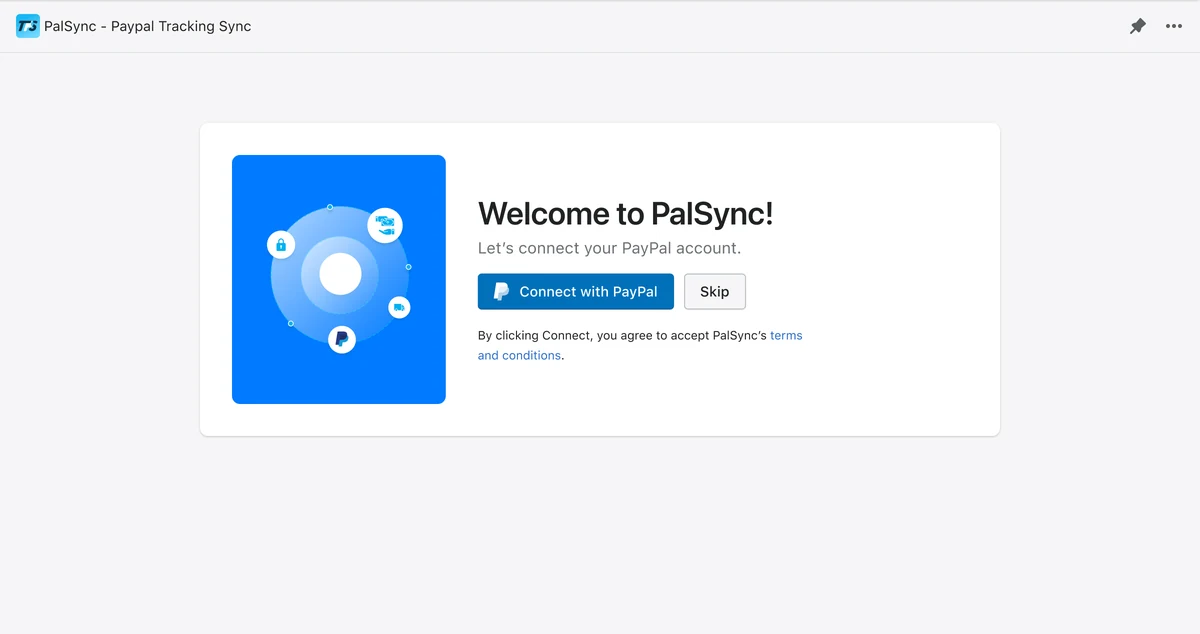
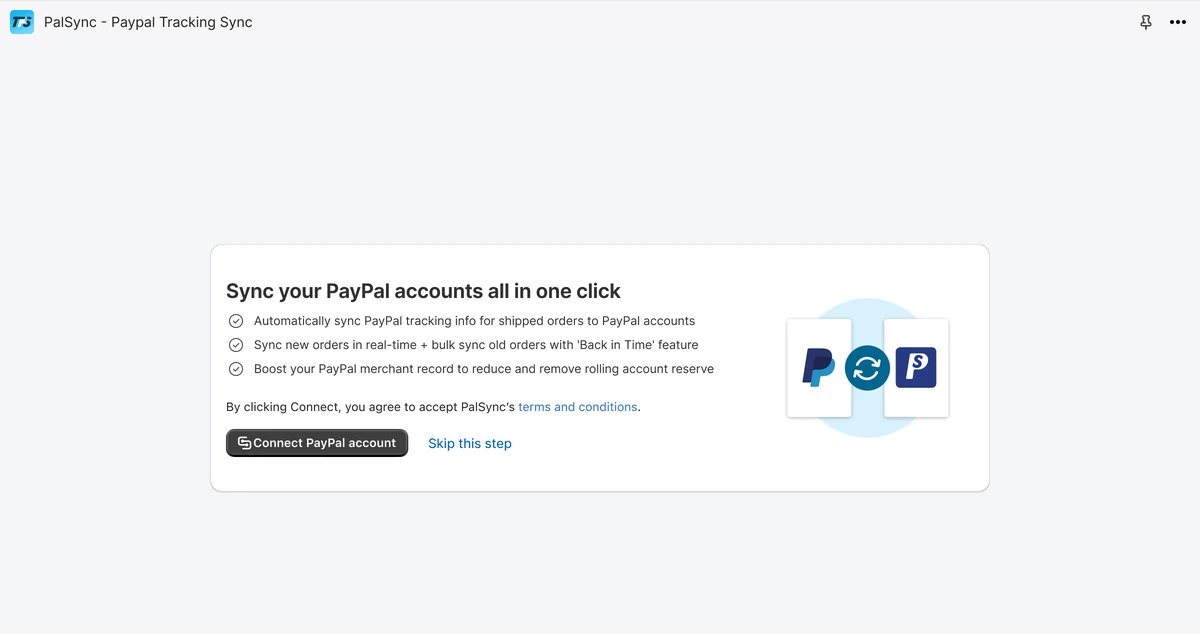
Before and after
 Sweet Spot